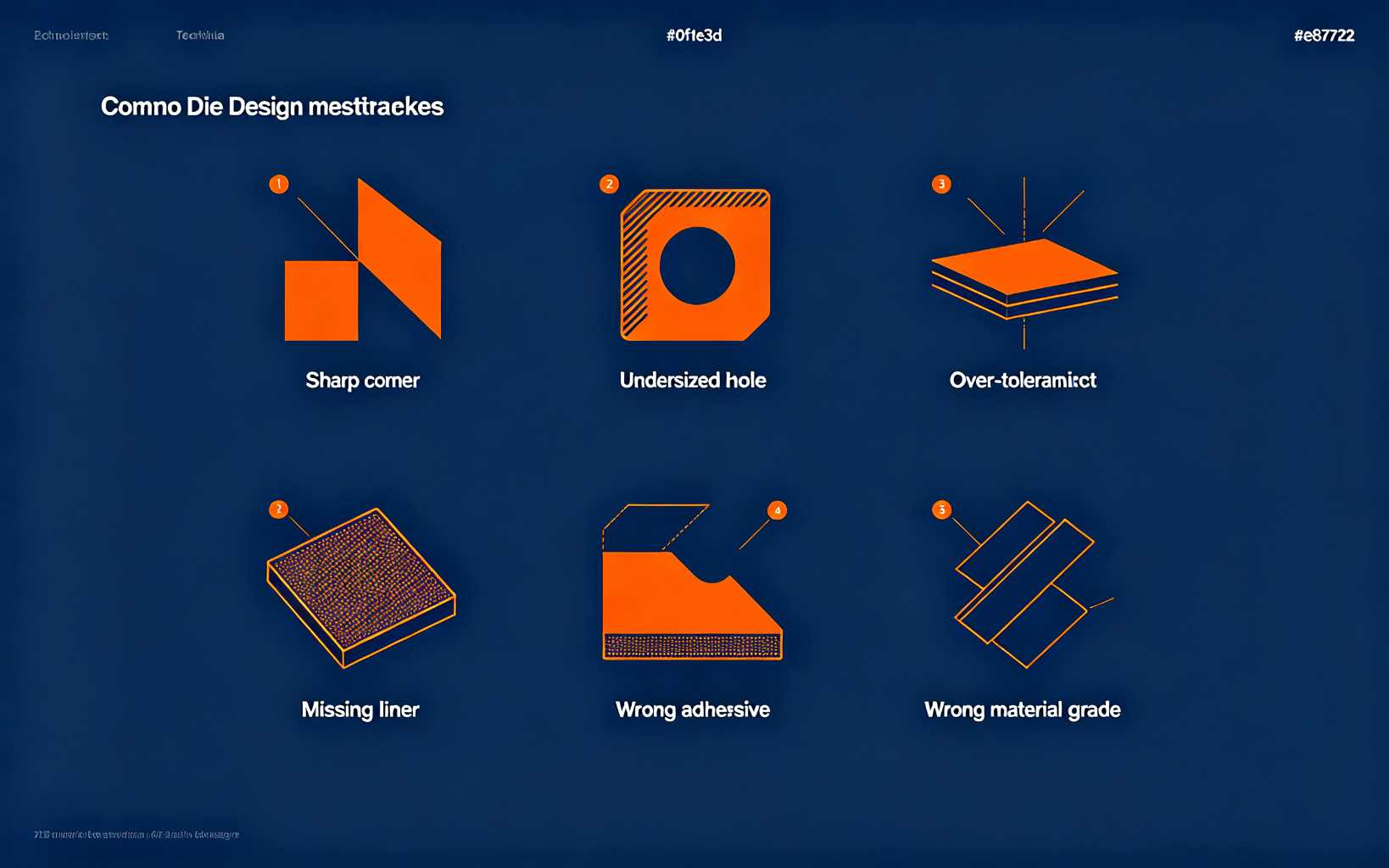
Common Die-Cutting Design Mistakes & How to Avoid Them
After reviewing thousands of customer drawings, a small number of design errors account for most first-article surprises. If you recognise any of these on your drawing, fix it before tooling — it is cheaper than another sample round.
Mistake 1: Inside corners with zero radius
A die knife is a straight piece of steel bent to shape; it cannot produce a sharp internal corner without a radius. Expect ragged corners and broken dies if you call out 0 mm radius. Minimum 0.3 mm, preferably 0.5 mm on thick materials.
Mistake 2: Holes smaller than the rule
0.3 mm holes in 1 mm foam do not punch cleanly. The die bridge between adjacent holes also collapses if the web is under 1.5× material thickness. Either enlarge the features or switch to laser cutting.
Mistake 3: Tolerances copied from a machined part
Die cutting is not CNC machining. ±0.02 mm on every dimension forces flat-bed tooling and triples the unit cost. Reserve tight tolerances for the 2–3 dimensions that actually mate to another part; leave everything else at ±0.15 mm.
Mistake 4: No release liner specification
Leaving off liner side, colour and whether the part must stay on a carrier forces a guess. Automated assembly fails when the liner is the wrong side. Specify: "part face up on 75 µm blue PET liner, matrix grid every 50 mm".
Mistake 5: Selecting adhesive by peel strength only
A 200 oz/in peel number on the datasheet is measured on stainless steel at room temperature (ASTM D3330, 180° peel). On your oily PC enclosure at 85 °C the same tape may be far weaker. Specify substrate, temperature and cycle conditions — not just a peel rating.
Mistake 6: No material grade, only a brand colour
"Black foam gasket" is not a spec. The supplier will choose whatever is cheapest, and it may not match your compression or sealing requirement. Specify material family, thickness, density and a reference grade (e.g. "3M 4647 equivalent, 1.6 mm").
Most of these mistakes disappear in one drawing review. Send us your PDF — we annotate it with production notes at no charge.
Send your drawing for free DFM feedback →